Node graphs for Unity 6 · save and load built in
Save anywhere.
Even mid-scene.
Node graphs for Unity 6 where saving and loading are built in. Save in the middle of a conversation, a walk or a timer, quit, reload, and every graph picks up on the exact node it was on.
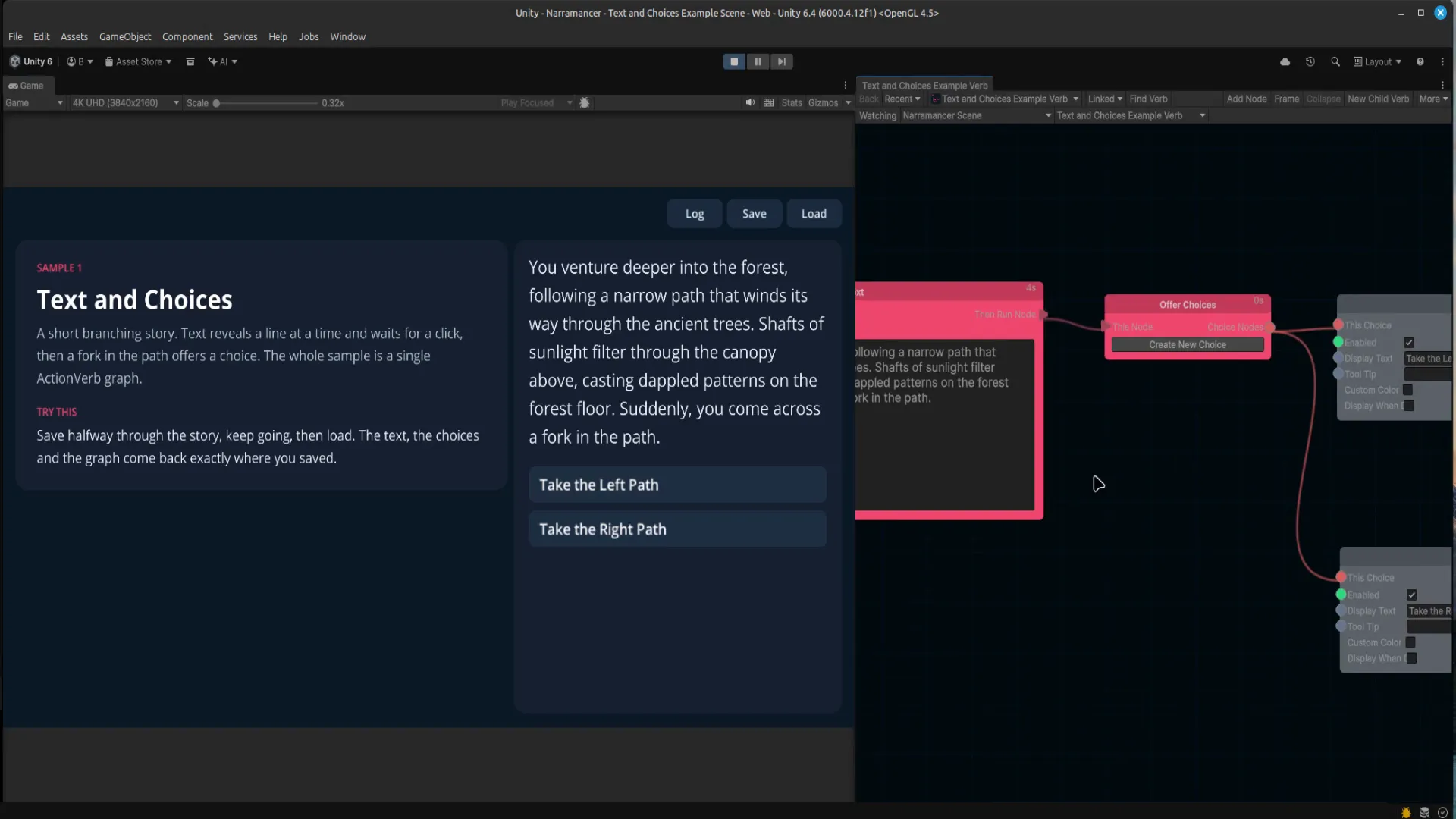 Play: Save a Unity story mid-scene, quit, and resume exactly
79 seconds, no narration. A story is saved halfway through a scene, the editor is quit completely, and loading picks it back up on the exact node it stopped on. Then a scene's objects are saved and restored the same way.
The problem
Your player saves halfway through a conversation. A character is mid-walk, a timer is counting down, and the game is waiting on a choice. Most scripting tools can't save that moment: they don't record which step is running, so saving mid-sequence is something you build yourself, or forbid.
In Narramancer, saving is part of how graphs run. Save at any moment, quit, relaunch and load, and every graph picks up on the exact node it was on, still waiting for the same click.
What gets saved
Saved automatically
- Every running graph, including what it's waiting on: a click, a choice, a timer, a character halfway through a walk
- Every noun (your characters, items and places) with its properties, stats and relationships
- Every variable, global or scene
- The text and choices on screen
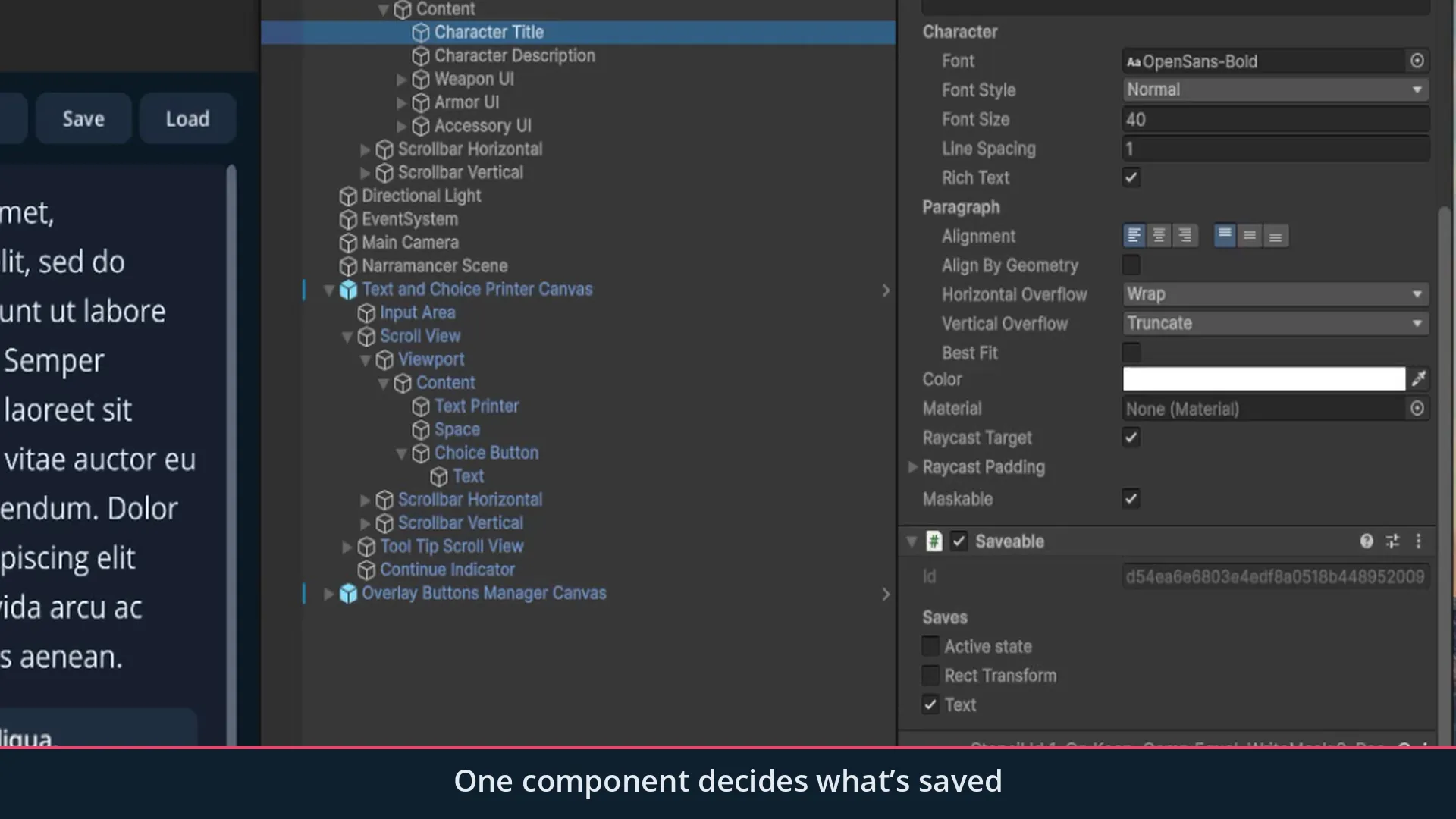
Saved where you add a Saveable
- Position, rotation and scale
- Images, sprites, text, audio, animation and NavMesh agents
- Whether the object is active
- Fields of your own scripts: mark them
[Save], no other code
Build with graphs
- Over 150 node types for text, choices, variables, lists, timers, movement, animation and scene objects
- ActionVerbs run over time and can wait; ValueVerbs answer a question instantly
- A built-in table of the things in your game, with properties, stats and relationships
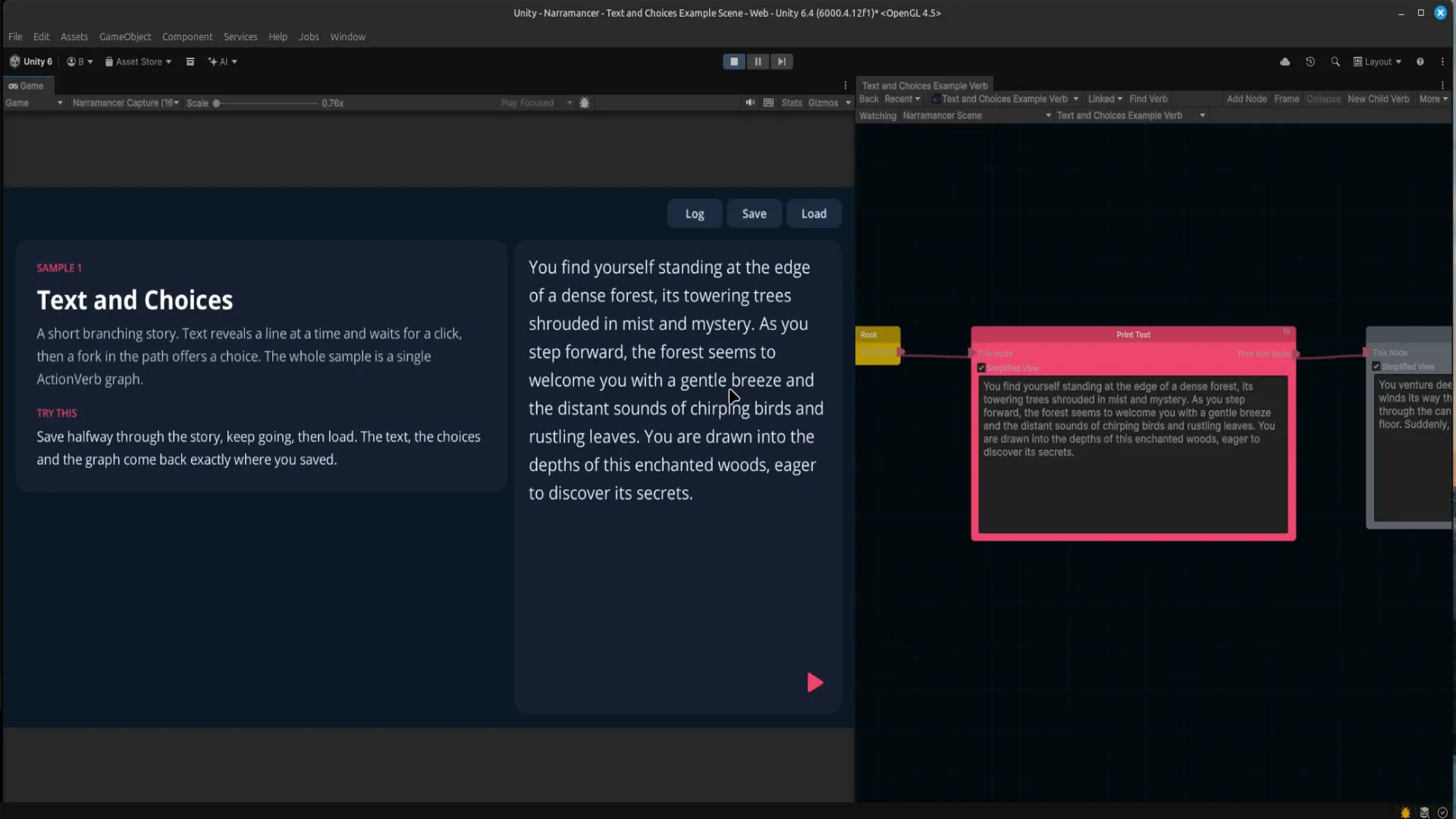
- Edit graphs in Play Mode, and watch the running node light up as the game plays
Built to be trusted with saves
- Saves point at objects by permanent ids, so renaming, reparenting or reordering objects doesn't break existing saves
- Saves are readable JSON
- Save, quit, relaunch and load has been verified in IL2CPP (WebGL) player builds
- Full C# source included
- No dependencies, no Odin, no Player Settings changes
Scene objects too
Add one Saveable to a GameObject and tick what should come back after a load. Movement and animation nodes keep going after a load: a character saved mid-walk finishes the walk.
Why build on Narramancer
Save anywhere, from day one
Saving isn't bolted on later. Every graph is saveable from the start.
Logic you can see
The flow of a scene is laid out in a graph, not spread across scripts.
A built-in database of things
People, places and items, with their properties, stats and relationships, all saved for you.
Little or no code
Over 150 node types cover text, choices, variables, lists and scene objects.
Iterate in Play Mode
Edit graphs and test ideas without recompiling or leaving Play Mode.
Scene independent
Nouns and global variables live outside any one scene, so they carry across scene loads.
Included
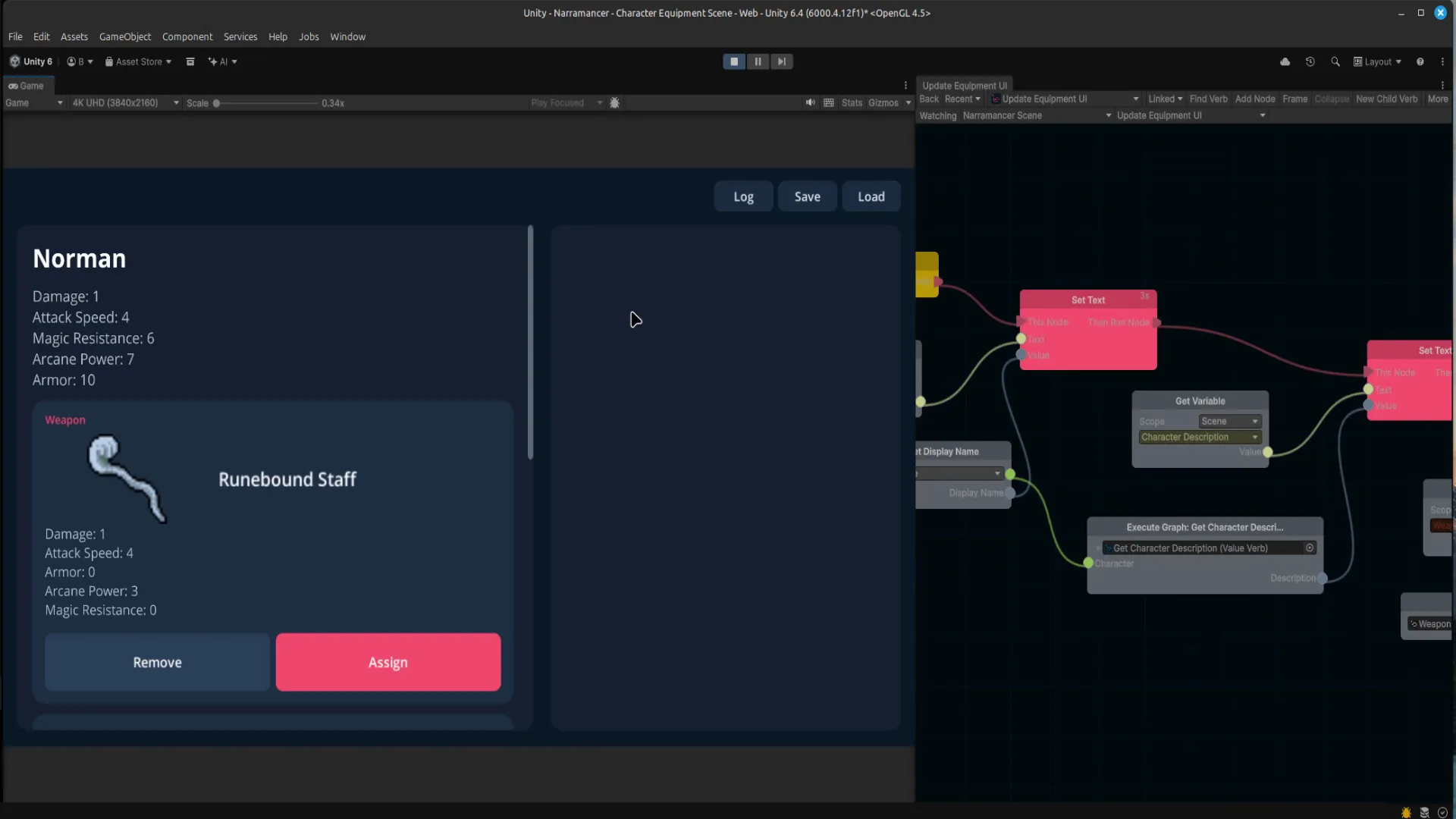
- Five sample scenes: a launcher, branching text and choices, creating nouns at runtime, properties, and a character equipment screen
- Drop-in UI prefabs: text and choice printers, a save/load menu with thumbnail slots, and a history log
- A Getting Started guide (PDF) in the package, and these docs
Good for visual novels and branching dialogue, quest and story flow, NPC behaviour, and the overall loop of your game.
Get started
Unity 6. Install from My Assets, open Window → Narramancer once, and press Play on a sample.
Narramancer is source-available. It's free for noncommercial use underPolyForm Noncommercial 1.0.0, and commercial use needs an Asset Store license.Source on GitHub.